How to Improve Typing Speed and Accuracy in 2026
Typing has become an essential skill in today’s digital world. Whether you are a student, a professional, or someone who frequently works on a computer, typing efficiently and accurately can save time, improve productivity, and reduce stress. Many people wonder, “How can I improve my typing speed and accuracy effectively?” This guide provides actionable strategies backed by experience and best practices. Take the Monkeytype Typing Test

Understand Your Current Typing Level
Before improving, it’s important to know where you stand. Take a reliable typing test, such as Monkeytype, to determine your words per minute (WPM) and accuracy. Monitoring your baseline will help you track progress over time and identify areas that need improvement.
Focus on Proper Typing Technique
The foundation of speed and accuracy is correct technique. Many typists make the mistake of relying on a few fingers or looking at the keyboard. Key points to consider:
- Posture: Sit upright with feet flat on the floor, shoulders relaxed, and elbows close to the body.
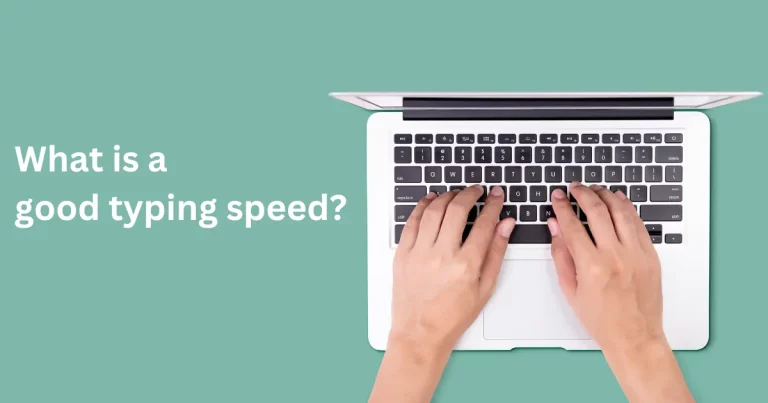
- Hand placement: Use the home row (ASDF for the left hand, JKL; for the right hand) and return fingers to these keys after pressing others.
- Avoid looking at the keyboard: Typing by touch strengthens muscle memory and reduces errors.
Practicing proper technique consistently is more effective than simply typing faster without control.
Gradually Increase Your Speed
Speed comes with practice, but rushing leads to mistakes. Begin at a comfortable pace where you can maintain accuracy. Once confident, gradually increase your speed in small increments. Using timed typing tests or speed drills can help measure improvements while keeping mistakes low.
Enhance Accuracy Before Speed
Focusing on accuracy first ensures long-term improvement. High-speed typing with frequent errors does not save time in reality. Techniques for accuracy improvement include:
- Slow and deliberate practice: Concentrate on pressing the correct key rather than typing quickly.
- Analyze mistakes: Identify commonly mistyped words or letters and practice them.
- Use typing tools: Online platforms like Monkeytype, Typing.com, or Keybr provide real-time feedback to correct errors.
Practice Regularly and Consistently
Consistency is key. Regular practice, even for 15–30 minutes daily, is more effective than occasional long sessions. Incorporate a mix of:
- Words and sentences practice
- Real-world texts, such as emails or articles
- Typing games or exercises to make learning engaging
Use Typing Exercises and Games
One way to improve typing speed and accuracy without feeling repetitive is through exercises and games. Online typing offer customizable tests with different modes, difficulty levels, and real-time statistics. Practicing with games keeps motivation high while improving both speed and accuracy.
Track Progress and Set Goals
Setting measurable goals helps maintain focus. Examples include:
- Achieve a specific WPM
- Maintain 95% accuracy
- Reduce the number of errors per 100 words
Regularly reviewing your statistics not only motivates but also helps you adjust practice strategies.
Also Read: Comparing Monkey Type Test with Other Typing Test Tools
Advanced Tips for Experienced Typists
Once basic technique and speed are mastered, advanced strategies can refine your typing:
- Practice with complex texts: Technical terms, code, or foreign language content
- Use shortcuts: Familiarize yourself with keyboard shortcuts to save time
- Ergonomic setup: A comfortable keyboard and proper desk setup reduce fatigue and errors
Final Thoughts
Improving typing speed and accuracy is a journey that combines proper technique, consistent practice, and mindful effort. By focusing on accuracy first, gradually increasing speed, and practicing regularly, anyone can type faster and more accurately. Typing tools can accelerate this learning process by providing structured practice and instant feedback. With dedication, your typing skills will not only improve efficiency but also enhance productivity in everyday digital tasks.